Testing Now Open: GL.iNet Cross-Model Backup & Restore Utility
Overview
I've reached the point where the GL.iNet Cross-Model Backup & Restore Utility needs something automated tests cannot fully provide: a wider mix of real GL.iNet routers, firmware builds, and migration scenarios.
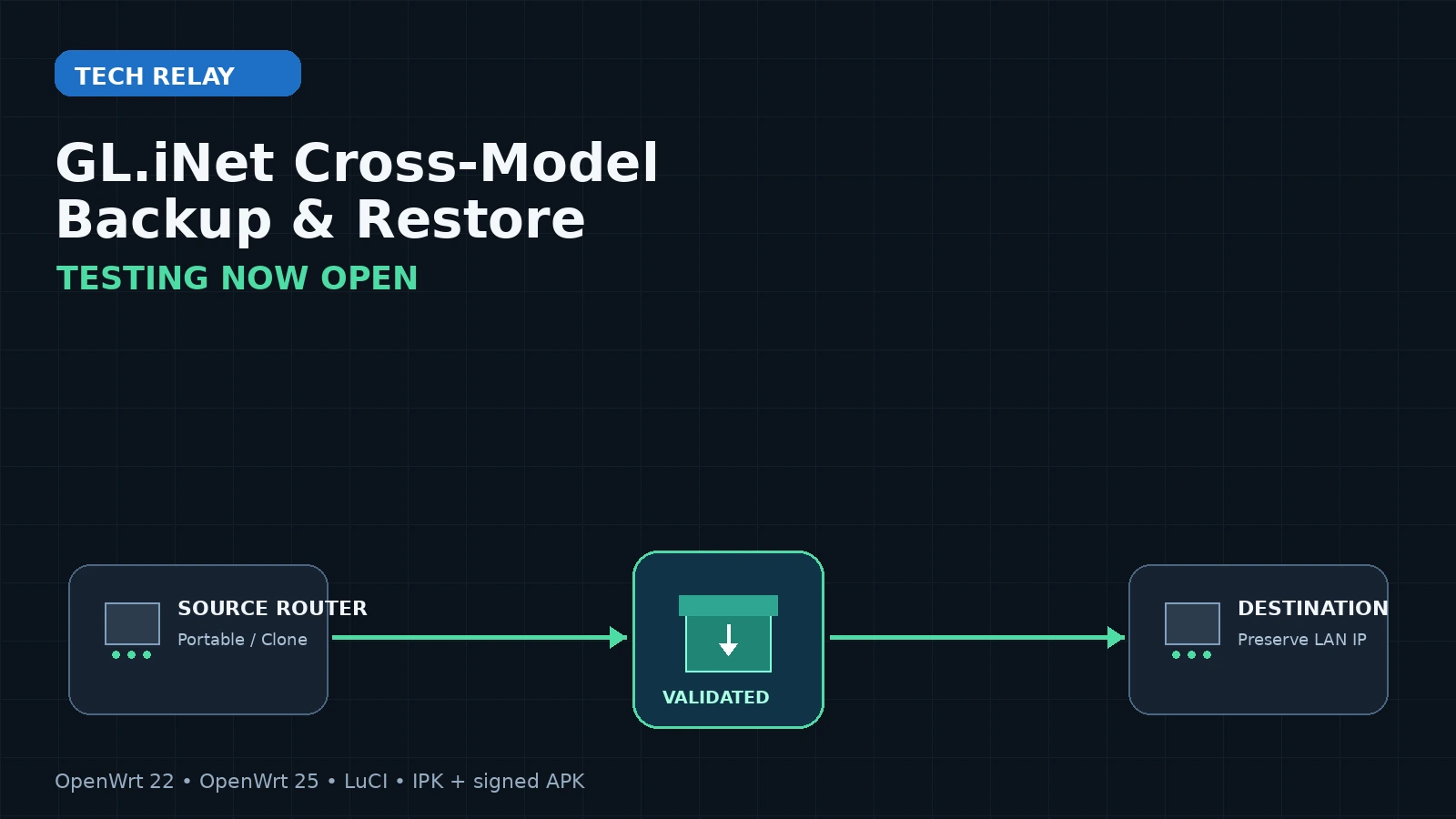
The project is designed to make router backups more useful than the usual "restore this exact backup onto this exact firmware" workflow. The goal is to safely capture configuration from one GL.iNet/OpenWrt router and restore the appropriate parts to another router, even when the destination is a different model or a different OpenWrt generation.
The current public test release is 2.0.0-17, and I'm opening it up for broader testing now.
Testing warning: This utility changes router configuration. Test on hardware you can recover physically, keep a stock GL.iNet backup available, and do not begin with the only router keeping your network online.
Why I Built This
I work with enough GL.iNet hardware that rebuilding routers from scratch gets old quickly.
A normal backup is great when the source and destination are effectively identical. It becomes much less useful when you're moving from one router model to another, upgrading across firmware generations, replacing failed hardware, or trying to make a remote change without losing the path you're using to manage the router.
That's the problem this project is trying to solve.
Instead of treating every restore as a blind copy of /etc/config, the utility understands several different restore boundaries and applies different safety rules depending on what you're trying to accomplish.
Four Backup and Restore Strategies
The tool currently exposes four strategies:
| Strategy | Intended use | Restore boundary |
|---|---|---|
| Portable Profile | Move logical configuration between different models | Cross-model when target capabilities allow |
| Clone | Deploy a known configuration to another router of the same model | Same-model only |
| Remote-Safe Clone | Restore a same-model router over SSH while protecting the management path | Same-model only, with additional target-local preservation |
| Device Snapshot | Disaster recovery for the exact physical router | Exact-device fingerprint unless explicitly overridden |
Portable profiles are the most interesting for cross-model testing. Instead of copying source radio names, Ethernet assignments, switch layouts, MAC addresses, host keys, cloud identity, and other hardware-bound state, the tool records portable settings and adapts them to the destination router.
For Wi-Fi, for example, it records semantic details such as band, role, SSID, encryption, enabled state, hidden state, and isolation. Restore then discovers the destination radios and maps those settings by capability rather than assuming radio0 on Router A means the same thing on Router B.
One Package Can Work Locally or as a Controller
The native package can operate in two modes from the same LuCI interface:
- This Router — create, inspect, validate, and restore profiles on the router where the package is installed.
- Remote Router — use that router as a controller and operate against another router over SSH.
The remote endpoint does not need the package installed. The controller streams the shell runtime for the job and cleans up its temporary files afterward.
That makes it possible to keep the utility on a main/admin router and use it to manage test routers, travel routers, or remote devices.
Safety Is the Main Feature
Backup software is easy to write if the answer to every problem is tar /etc.
The difficult part is making restore behavior predictable enough that I would trust it on routers I actually care about.
Version 2 archives use a dedicated glinet-crossmodel/ layout. Payload members are SHA-256 hashed, archive paths and links are checked before extraction, manifests are validated, and size limits are enforced before archive contents are written.
Before a restore changes anything, the tool performs read-only validation and creates a target-side pre-restore snapshot. If the apply phase fails or a post-restore verification gate fails, the existing rollback path can restore the pre-operation state.
During current testing, portable, clone, and snapshot archives have all successfully passed member-safety, checksum, manifest, and metadata inspection paths.
New in Testing: Preserve the Destination Router's LAN IP
One of the most important recent additions is a restore option called:
Preserve destination router LAN IP
It is enabled by default in the LuCI restore workflow.
Consider this migration:
1Source backup:       192.168.8.1
2Destination router:  192.168.80.1
With LAN-IP preservation enabled, the destination router remains:
1192.168.80.1
instead of inheriting 192.168.8.1 from the backup.
The implementation captures the current LAN IP on the destination router itself before restore. For clone, snapshot, and remote-safe operations, backed-up network configuration is rewritten before it is staged or committed, so the source IP is not briefly applied and then changed back later.
Validation also treats the preserved address as part of the restore plan. If the target's LAN IP changes between validation and the actual restore, the operation is rejected as stale instead of continuing under assumptions the user did not review.
This is especially important for remote testing because losing the destination management address can also mean losing the SSH session used to perform the restore.
Explicit Custom Files and Directories
The advanced custom-artifact section also now supports directories recursively, not just individual files.
For example:
1/etc/geoip-shell
2/root/scripts
3/etc/my-custom-config
can be added to Explicit custom files/directories.
The recursive path still uses the existing safety model: paths must be safe absolute paths, symlinks are not blindly followed, per-file and total-size limits remain enforced, and the original directory structure is preserved for restore.
That makes the tool much more useful when a router has custom scripts, GeoIP data, service configuration, or other files that live outside the standard UCI configuration captured automatically.
OpenWrt 22 and OpenWrt 25 Have Both Found Real Bugs
One reason I'm deliberately testing across firmware generations is that the same LuCI code can behave very differently depending on the runtime underneath it.
The OpenWrt 22 zero-byte download bug
On an OpenWrt 22-era build, backup archives were being created correctly on disk, but downloading them from LuCI produced a zero-byte file.
The archive wasn't corrupt. The failure was in the legacy HTTP streaming path.
Older LuCI runs the request inside a coroutine, and luci.http.write() yields while sending chunks. The original implementation wrapped that yielding code inside a normal Lua 5.1 pcall(). Lua 5.1 cannot yield across that protected C-call boundary, so the first write failed after the response had already started.
That path was replaced with a coroutine-safe LuCI/LTN12 streaming implementation and now has a regression test that reproduces the legacy yield behavior under real Lua 5.1.5.
The OpenWrt 22 import bug
A second bug showed up immediately after valid archive inspection during import.
Uploaded files land in /tmp, while the profile library lives on persistent storage. On that router those locations are different filesystems, so a direct rename() failed with EXDEV even though the uploaded archive had already passed validation.
Import now uses a cross-filesystem-safe move path that falls back to a bounded copy and unlink when necessary.
Those are exactly the kinds of bugs I want the broader test phase to find.
What I Need Tested
If you have spare GL.iNet hardware, the most valuable results right now are combinations I cannot reproduce on one bench.
I'm especially interested in:
- OpenWrt 22 / older GL.iNet firmware
- newer GL.iNet firmware using
opkg - OpenWrt 25 /
apk-based GL.iNet builds - MediaTek and Qualcomm routers
- Wi-Fi 6E and Wi-Fi 7/MLO models
- same-model clone restores
- cross-model portable restores
- Remote-Safe Clone over SSH
- custom file and directory round trips
- WireGuard, OpenVPN, AmneziaWG, Tailscale, ZeroTier, and vendor-policy configurations
- package review across different architectures and firmware feeds
- deliberately failed restores to exercise rollback
- destination-LAN-IP preservation across activation and reboot
A particularly useful test
If you have two routers using different LAN subnets, try this:
1Router A / backup:       192.168.8.1
2Router B / destination:  192.168.80.1
- Create a Portable or compatible Clone profile on Router A.
- Restore it to Router B with Preserve destination router LAN IP enabled.
- Validate that the restore plan says the destination IP will be preserved.
- Apply the restore.
- Activate staged connectivity changes if the workflow requires it.
- Confirm Router B is still reachable at
192.168.80.1. - Reboot Router B.
- Confirm it still comes back at
192.168.80.1.
If you have a safe test environment, repeat with the checkbox disabled and confirm the normal source-IP restore behavior.
Getting the Test Build
The project is public on GitHub:
GL.iNet Cross-Model Backup & Restore Utility
The current test release is:
Release 17 publishes both package formats:
luci-app-glinet-crossmodel-backup_2.0.0-17_all.ipkfor legacy/opkg-based firmwareluci-app-glinet-crossmodel-backup-2.0.0-r17-noarch.apkfor OpenWrt 25.x / apk-based firmwareglinet-crossmodel.pubas the apk release-signing public key
Legacy/opkg firmware
Copy the release IPK to the router and install it with:
1opkg install /tmp/luci-app-glinet-crossmodel-backup_2.0.0-17_all.ipk
OpenWrt 25.x / apk firmware
Trust the release key once:
1curl -fsSL \
2  -o /etc/apk/keys/glinet-crossmodel.pub \
3  https://github.com/zippyy/GL.iNet-CrossModel-BackupRestoreUtility/releases/latest/download/glinet-crossmodel.pub
Then install the signed package:
1curl -fsSL \
2  -o /tmp/luci-app-glinet-crossmodel-backup-2.0.0-r17-noarch.apk \
3  https://github.com/zippyy/GL.iNet-CrossModel-BackupRestoreUtility/releases/latest/download/luci-app-glinet-crossmodel-backup-2.0.0-r17-noarch.apk
4
5apk add /tmp/luci-app-glinet-crossmodel-backup-2.0.0-r17-noarch.apk
After installation, open LuCI → System → Backup & Recovery. On supported GL.iNet firmware, the package also installs a shortcut into the GL Admin Panel.
If you're already experimenting with GL.iNet routers, you may also find my guide to installing the Ookla Speedtest CLI directly on GL.iNet routers useful for validating throughput before and after a migration. You can also browse the rest of my GL.iNet posts.
What to Include in a Test Report
A useful success or failure report should include:
- source GL.iNet model
- source firmware/OpenWrt version
- destination model
- destination firmware/OpenWrt version
- backup strategy used
- selected configuration categories
- local or remote-router mode
- whether Preserve destination router LAN IP was enabled
- whether the problem occurred during create, download, import, inspect, validate, restore, activate, reboot, or rollback
- relevant sanitized diagnostic logs
The built-in diagnostics use correlation IDs so one operation can be followed through LuCI, the CLI, archive handling, restore logic, rollback, and the remote coordinator.
Useful router-side log commands include:
1logread -e glinet-crossmodel
2tail -f /tmp/glinet-crossmodel/gcm.log
Please review logs before posting them publicly and remove anything you consider identifying, even though the application's structured logger is designed to redact passwords, keys, tokens, and other sensitive values.
This Is Testing, Not a Blind Production Migration
Release 17 has passed the project's automated test, shell-lint, Lua compatibility, browser-JavaScript, and OpenWrt package-build gates. That is useful evidence, but it is not the same thing as certifying every router/firmware combination.
Before testing a restore, I recommend:
- Download a normal GL.iNet system backup.
- Have physical access to the test router when possible.
- Know the model's factory-reset/recovery procedure.
- Avoid performing the first test over the only management path you have.
- Start with a non-destructive create/inspect/validate pass before attempting restore.
The repository includes a real-router smoke script for that first pass.
What's Next
The immediate goal is to build a real compatibility matrix instead of relying on assumptions about which routers should behave the same.
I want to see how 2.0.0-17 behaves across older GL.iNet builds, current 4.x firmware, and the newer OpenWrt 25 generation, with different Wi-Fi chipsets, VPN layouts, custom files, and management paths.
If you've got a spare GL.iNet router sitting on a shelf, this is a good excuse to put it back to work.
Download the latest test release on GitHub and send back both the successes and the failures. The failures tell me what needs fixing; the successes are what let us turn a collection of assumptions into a real compatibility matrix.
If Tech Relay's networking guides or open-source projects save you time, you can also buy me a coffee to help support more testing hardware and development time.
Frequently Asked Questions
What is the GL.iNet Cross-Model Backup & Restore Utility?
It is an open-source LuCI application and CLI for creating, inspecting, validating, migrating, and restoring GL.iNet/OpenWrt router configuration. It can work directly on the router where it is installed or act as a controller for another router over SSH.
Can I restore a backup to a different GL.iNet model?
Yes, when using a Portable Profile and when the destination has compatible capabilities. Clone and Remote-Safe Clone require the same model, while Device Snapshot is intended for the exact physical router.
Does it work with OpenWrt 22 and OpenWrt 25?
Those are both active testing targets. Release 17 includes compatibility work specifically uncovered by legacy Lua 5.1/LuCI behavior on older firmware and also ships a signed apk package for OpenWrt 25.x firmware.
Will a restore change the destination router's IP address?
By default, the LuCI restore workflow enables Preserve destination router LAN IP, which keeps the target's current primary LAN management address instead of applying the address stored in the backup. The option can be disabled when intentionally cloning the source LAN address.
Can I back up custom folders?
Yes. The explicit custom-artifact section accepts individual files and directories. Directories are collected recursively using the project's existing path, symlink, and size-safety rules.
Is it safe to test on my main router?
I recommend using spare hardware first. The project includes archive validation, pre-restore snapshots, rollback protection, and connectivity safeguards, but real-router testing is specifically intended to uncover model- and firmware-specific behavior that automated tests cannot reproduce.
Where should I report results or bugs?
Use the project's GitHub repository and include the router models, firmware/OpenWrt versions, strategy, selected categories, operation stage, LAN-IP-preservation setting, and sanitized diagnostics needed to reproduce the result.